
Take screenshots quickly and work with them efficiently using Snipping Client — a lightweight and intuitive application designed for effortless screen capturing, editing, and sharing. Whether you need a full-screen capture, a specific window, or a custom-selected area, Snipping Client gives you complete flexibility and precision.
With built-in annotation tools, delayed capture functionality, and instant sharing options, Snipping Client streamlines your workflow and helps you communicate visually in seconds.
Why Choose Snipping Client?
Flexible Capture Options
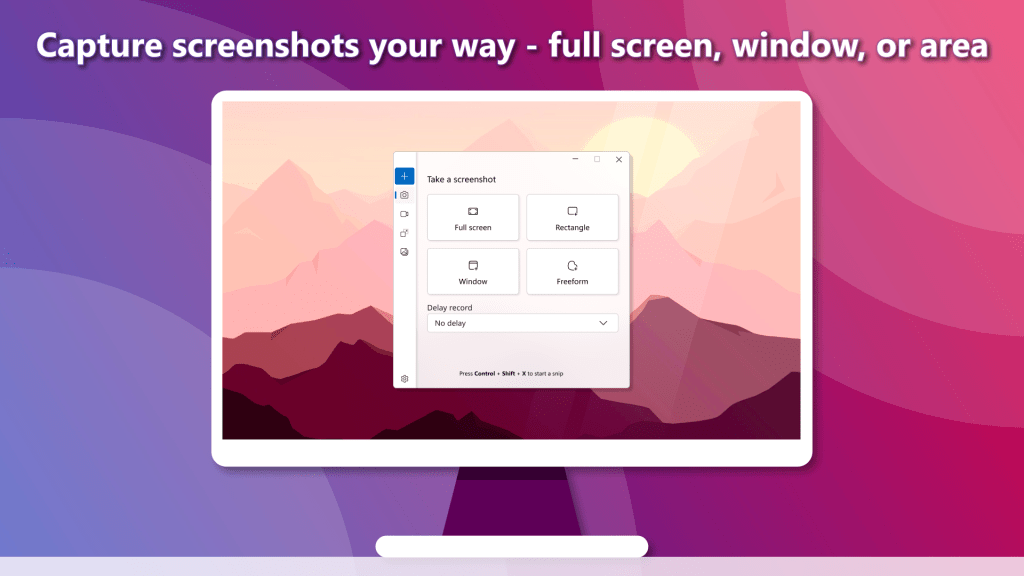
Capture exactly what you need — full screen, active window, or a custom-selected area — with simple controls and fast execution.
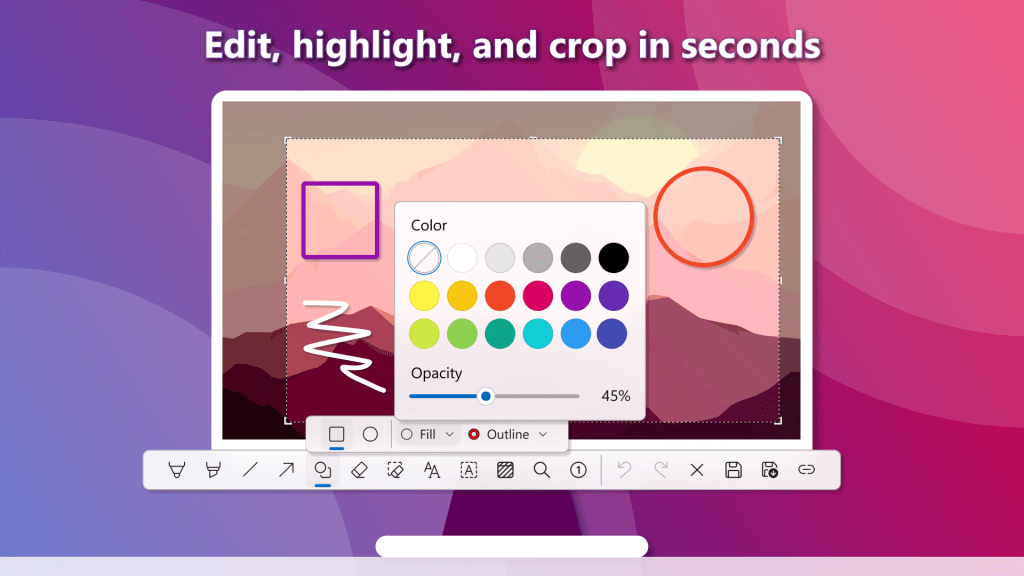
Quick Editing & Annotation
Highlight important details, crop unwanted areas, add notes, and annotate screenshots instantly without needing additional software.
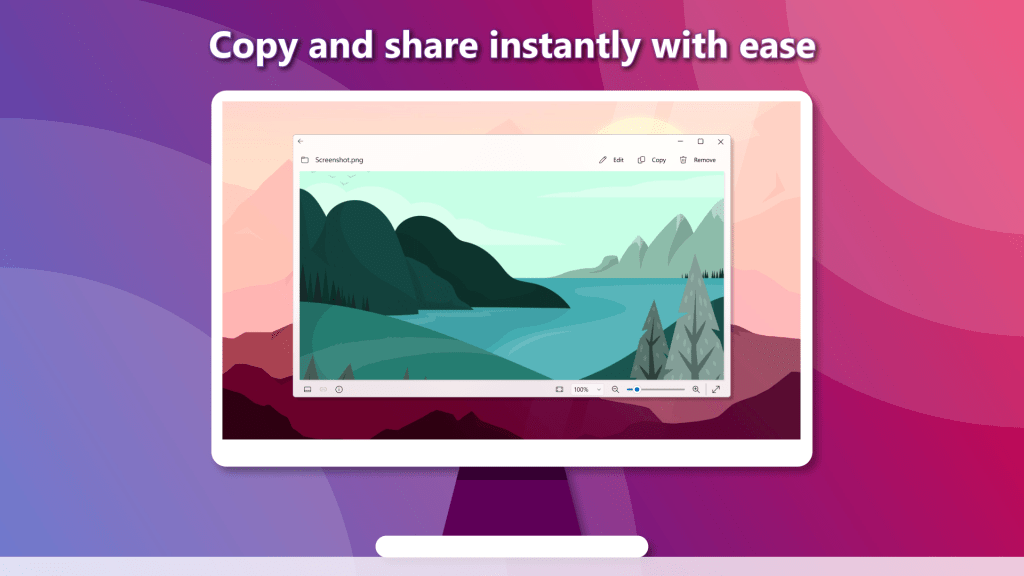
Instant Copy & Share
Copy captures directly to your clipboard or share them immediately to improve collaboration and productivity.
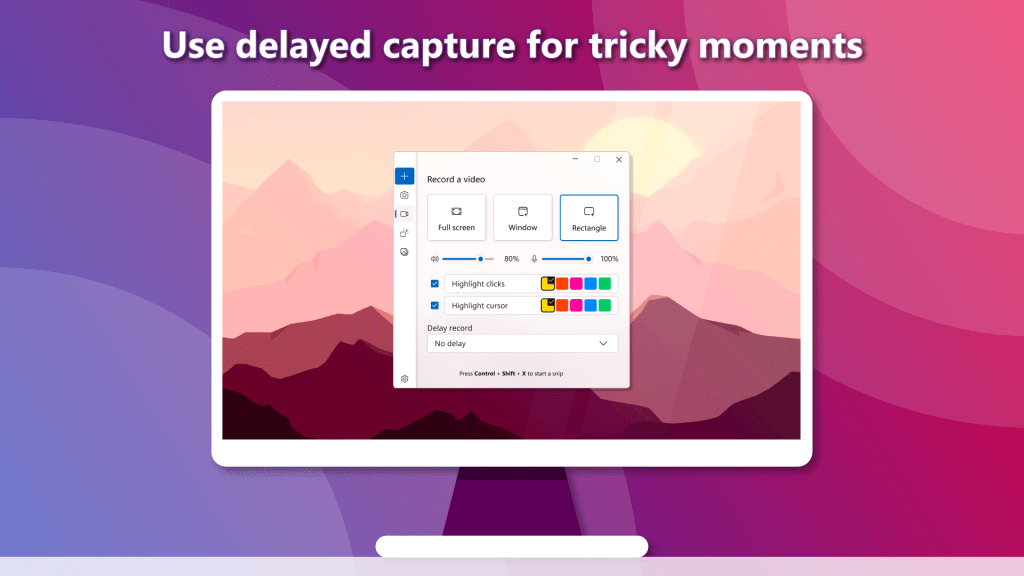
Delayed Capture Mode
Capture dropdown menus, tooltips, and other interface elements that are difficult to screenshot with standard tools.
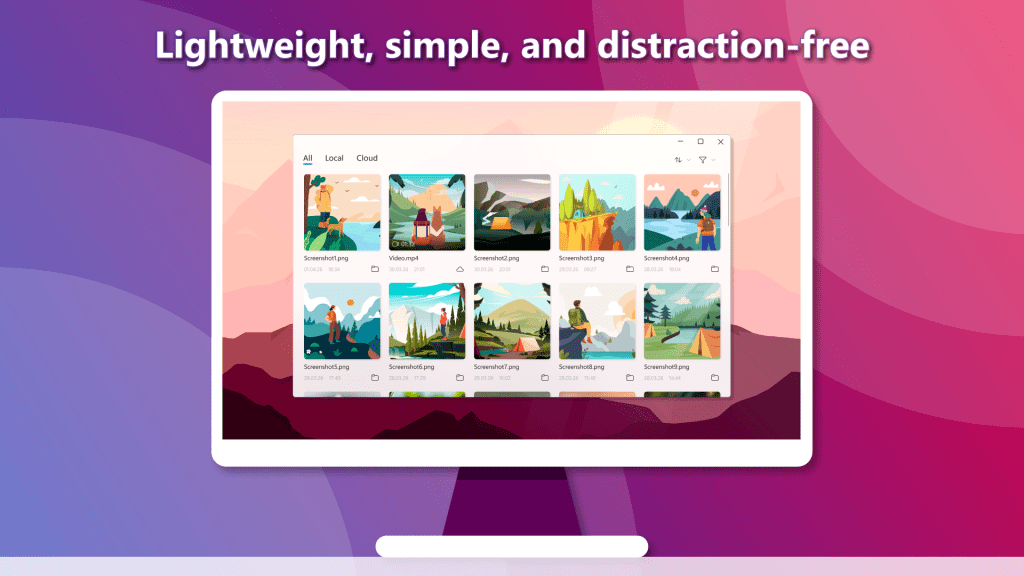
Lightweight & Fast
Built with simplicity in mind, Snipping Client offers a clean interface that keeps you focused and productive without unnecessary complexity.
Perfect For
✔ Business professionals creating reports and presentations
✔ Developers documenting bugs and workflows
✔ Students who save learning materials and notes
✔ Customer support teams explaining issues visually
✔ Everyday users capturing and sharing content quickly
Key Features
- Full-screen screenshot capture
- Window-specific capture mode
- Custom area selection
- Built-in annotation tools
- Cropping and image editing
- Delayed capture mode
- Copy to clipboard instantly
- Quick save in multiple formats
- Fast sharing options
- Clean and distraction-free interface
Work Smarter with Visual Communication
Snipping Client helps you capture ideas, explain concepts, and document important information faster than ever. Simple enough for everyday use, powerful enough for professional workflows.
Capture it. Mark it. Share it.

