

Windows Server 2022 provides a modern and reliable foundation for deploying enterprise applications, services, and other Windows-based workloads on AWS.

Effortless installation. Ready-to-run with easy maintenance. Explore now for a smooth experience!
Connection to Datacenter on Windows Server 2022
To connect to the server, generate a “Private Key” in advance. Refer to the “Guidance on Usage” document for instructions.
- To connect to the virtual machine, open the Remote Desktop file provided in step 10 of the “Guidance on Usage.“
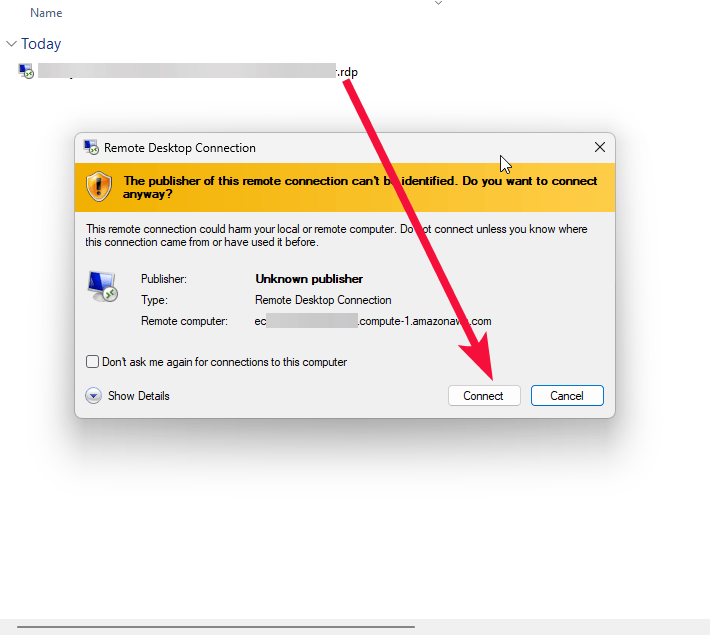
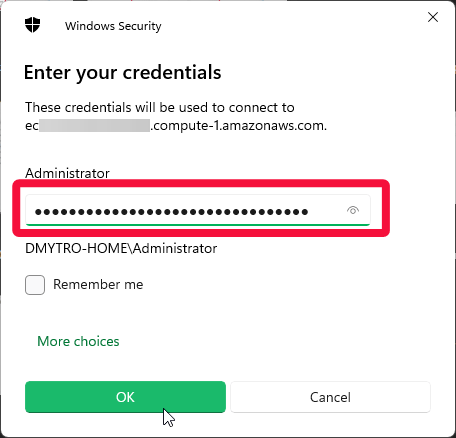
- In the prompted window, enter the password from step 12 in the “Guidance on Usage” and click “OK.”
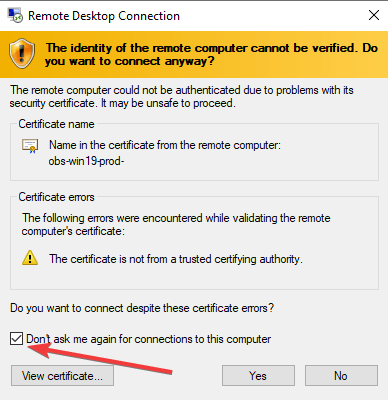
- Check the box and click “Yes.”
- Launch Server Manager from the Start menu.
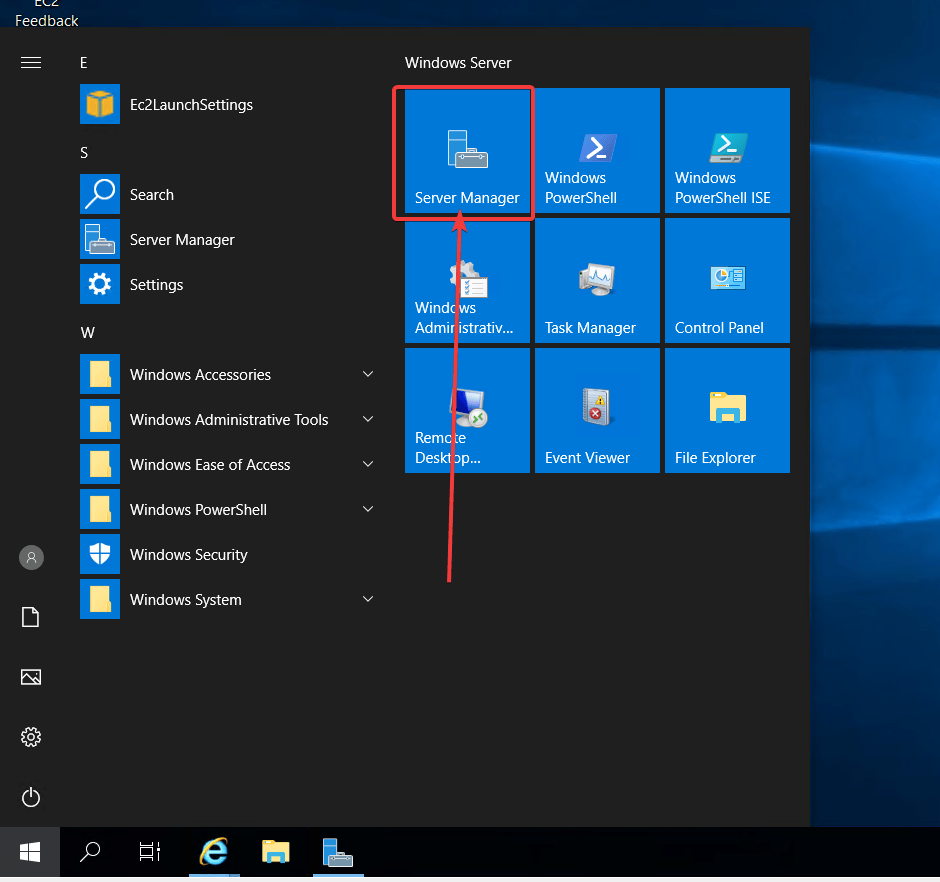
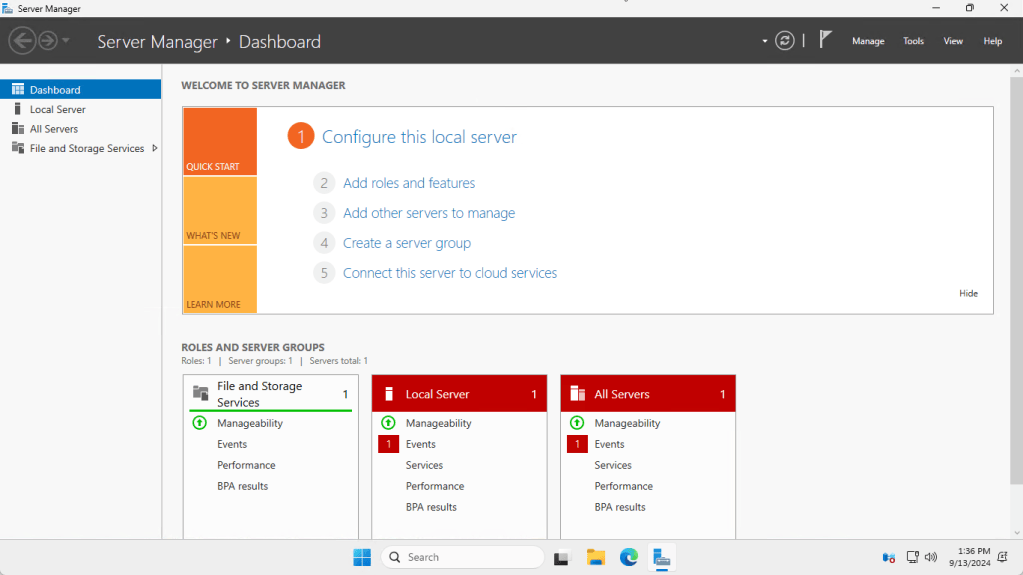
You can now begin using your Datacenter on Windows Server 2022 virtual machine, which is set up as a fresh installation.

