

Basic Datacenter Core with Windows Server 2025 delivers enterprise-grade performance, enhanced security, and scalability tailored for large-scale virtualized and hybrid cloud data center infrastructures.

Effortless installation. Ready-to-run with easy maintenance. Explore now for a smooth experience!
Configuration and Connection to Datacenter with Windows Server 2025
To start the server, launch the virtual machine (VM) in Azure.
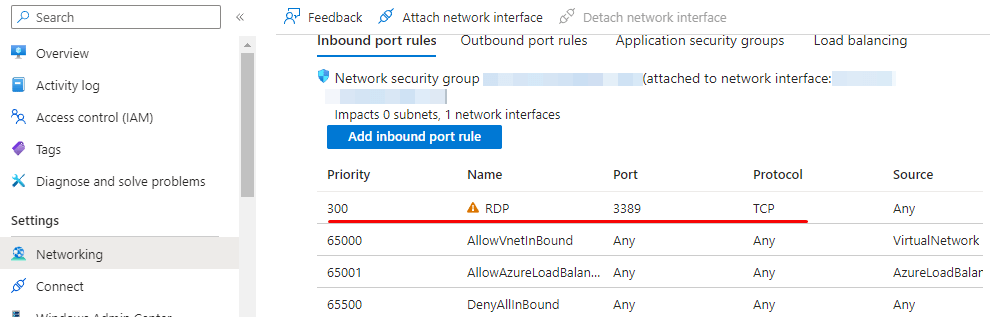
- To ensure proper functionality, open port 3389 (TCP) in the Azure Firewall network settings.
- To establish a connection to the virtual machine, execute the “Remote Desktop Connection” shortcut by pressing “Win + R” on your keyboard.
- In the prompt window, type “mstsc” and click “OK.”

- In the next window, enter the IP address of the virtual machine and select “Connect.”

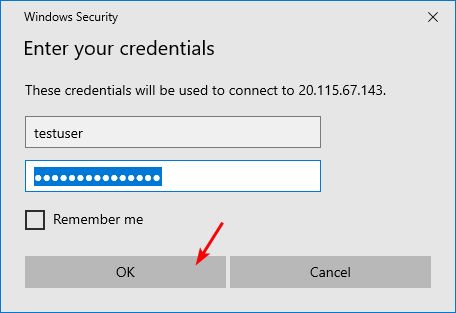
- Enter your username and password in the displayed window, then click “OK.”
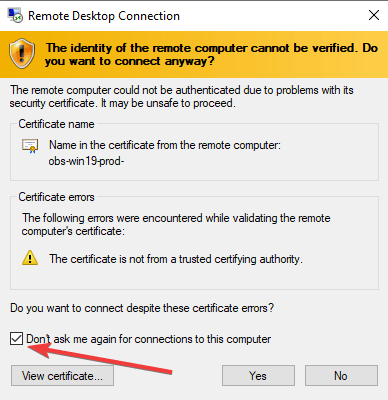
- Check the box to confirm and click “Yes” to proceed.
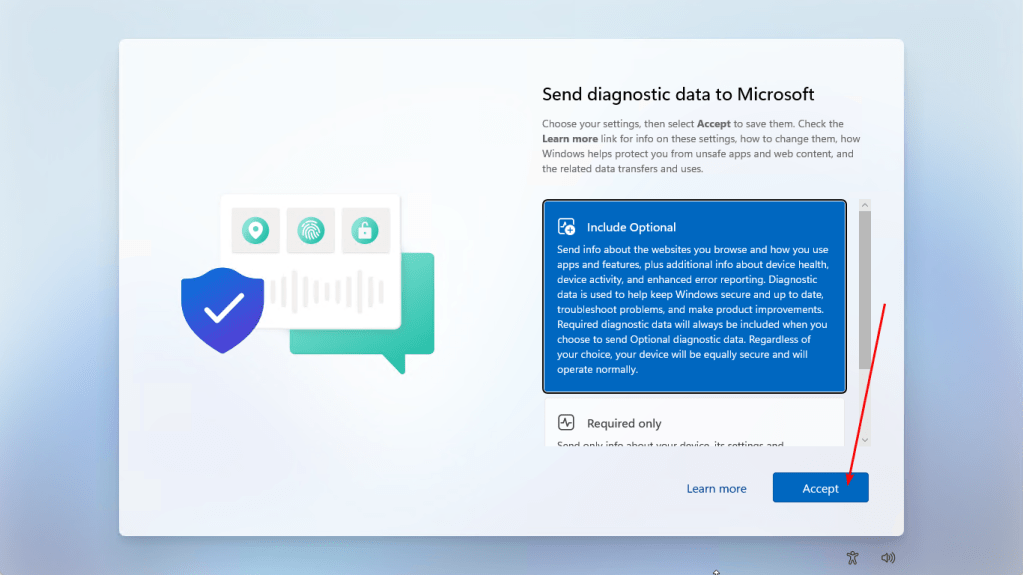
- Accept the terms and conditions.
- The Server Manager has started.

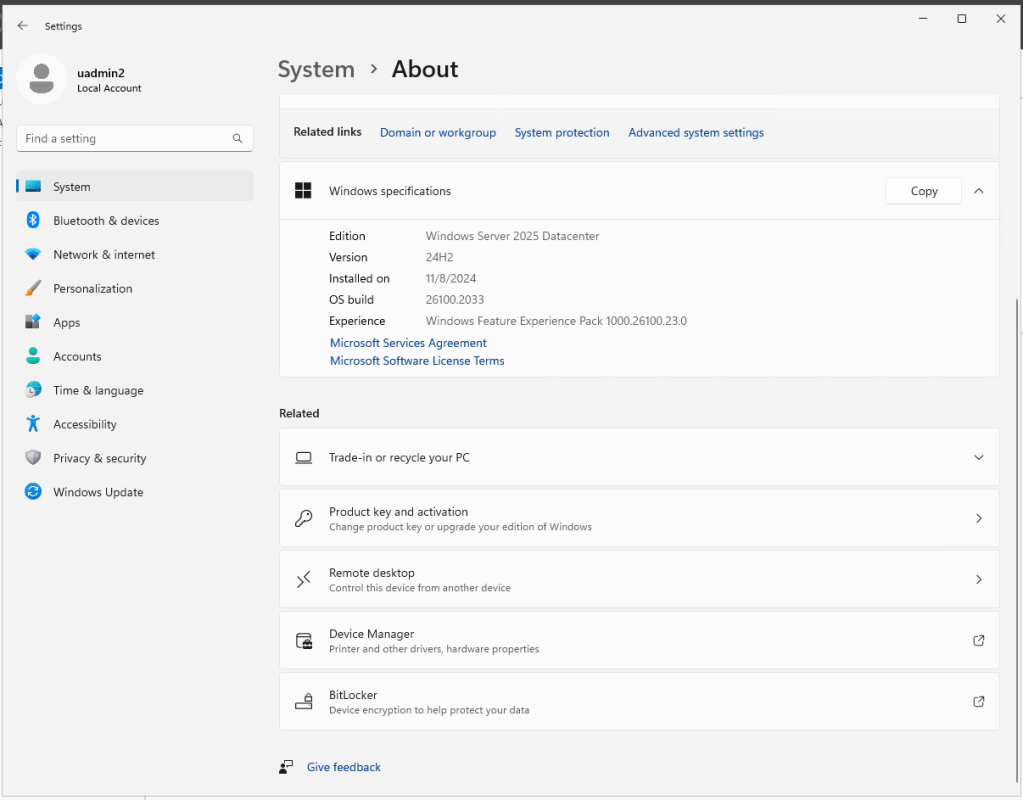
Your Datacenter for Windows Server 2025 virtual machine is now ready for use.

